
Listen to this article 1× A recall notice can go out on Monday, and the product can still be in your kitchen or your child’s room on Friday. Dozens of apps now promise to close that gap. Some are official and free. Others are private apps with paywalls, ads and privacy questions. This guide ranks […]
A recall notice can go out on Monday, and the product can still be in your kitchen or your child’s room on Friday. Dozens of apps now promise to close that gap. Some are official and free. Others are private apps with paywalls, ads and privacy questions. This guide ranks the best apps for tracking product recalls and safety alerts, shows what each one costs, and explains the bigger problem behind them. For more stories like this, see our Health & Safety Alerts coverage.
Key Takeaways
- The best overall app for tracking product recalls and safety alerts is Recalls 365, which aggregates FDA, USDA, NHTSA, and CPSC notices in one feed.
- SaferCar, the NHTSA’s free app, lets users save vehicles, tires, and car seats by VIN and sends daily push alerts for new recalls.
- The CPSC Recall App, launched as a beta on February 12, 2019, provides free searchable recall data for household products.
- Recalls.gov and FoodSafety.gov give free email alerts for food, vehicles, toys, and medicine, though they lack push notifications or barcode scanning.
How we reviewed them: We checked each app’s official page and store listing (features, prices, ratings and privacy disclosures) as of October 16, 2026. Prices, ratings and features change often and can differ by country, so confirm current details before you subscribe. Our scores reflect coverage, cost, transparency and track record, not lab testing.
What Happened: Recalls Moved to Your Phone
Recall data comes from several US agencies. The NHTSA handles vehicles, tires and car seats. The CPSC handles household products. The FDA and USDA handle food, drugs and meat. For years you had to check each site yourself.
According to NHTSA, its free SaferCar app lets you save vehicles, car seats, tires and equipment, then sends a push alert when a recall matches. The CPSC launched its own recall app on February 12, 2019, according to its press release. Since then, private developers have built many apps that combine all the agencies in one feed.
Quick Comparison Table
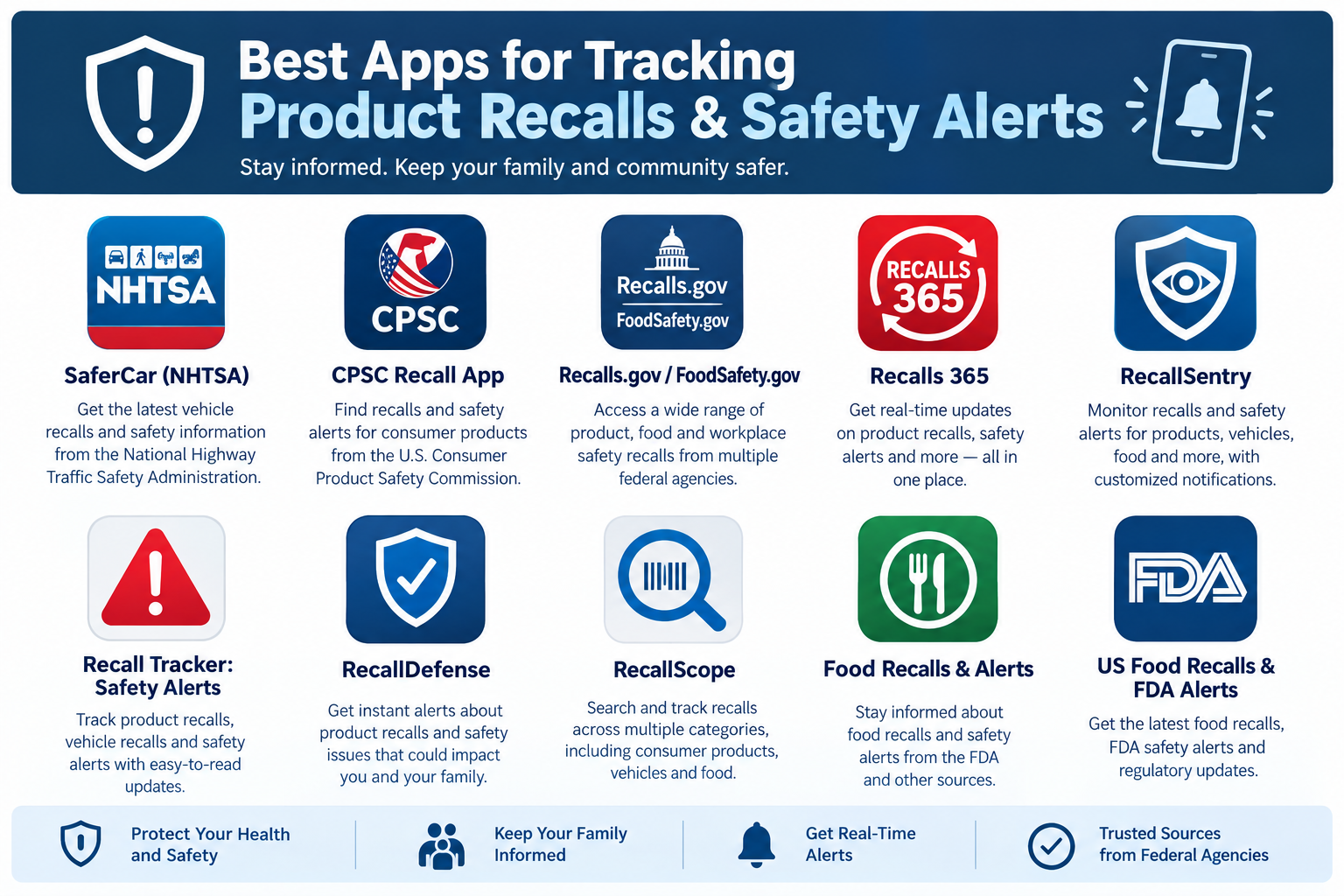
| App | Platform | Free? | Paid options | Score |
|---|---|---|---|---|
| SaferCar (NHTSA) | iOS, Android | Fully free | None | 4/5 |
| CPSC Recall App | Web app | Fully free | None | 3.5/5 |
| Recalls.gov / FoodSafety.gov | Website, email | Fully free | None | 4/5 |
| Recalls 365 | iOS | Yes | Pro plans | 4/5 |
| RecallSentry | iOS, Android | Yes | $1.99 and $4.99/month | 3.5/5 |
| Recall Tracker: Safety Alerts | Android (iOS version under another name) | Yes, with ads | Premium from $2.99/month | 3.5/5 |
| RecallDefense | Android, iOS | Yes | $3.99 and $5.99/month | 3.5/5 |
| RecallScope | iOS | Yes | $3.49/month or $34.99/year | 4/5 |
| Food Recalls & Alerts | Android, iOS | Yes, with ads | Subscription | 4/5 |
| US Food Recalls & FDA Alerts | iOS | Limited | $4.99/month or $19.99/year | 2.5/5 |
App-by-App Reviews and Costs
Looking for more product and tech breakdowns? Browse our Reviews section.
1. SaferCar (NHTSA): Best for Vehicles
Cost: Free. No subscription or in-app purchases.
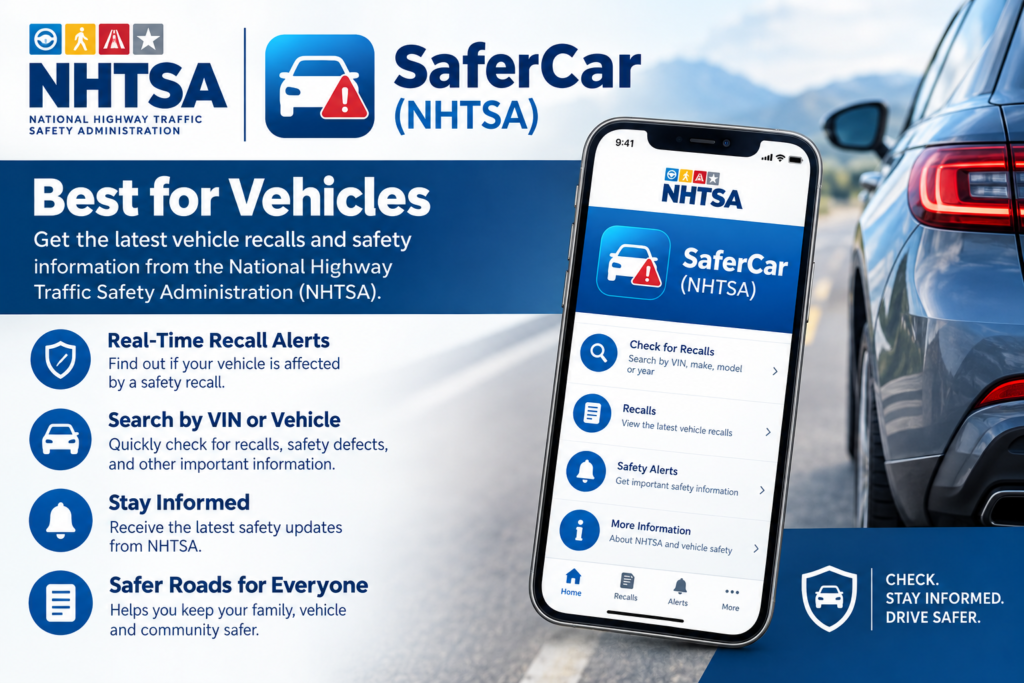
According to NHTSA, you build a virtual garage of cars, trucks, vans, motorcycles, tires, trailers and car seats by entering a VIN. The app checks for recalls about once a day in the background and sends a push alert for new ones. It also includes 5-star safety ratings, a car seat finder and a way to report a safety problem.
Pros:
- Data comes straight from NHTSA, so accuracy is high.
- VIN matching is more precise than a model search.
- Your vehicle information stays on your device, according to NHTSA.
Cons:
- It must keep running in the background for automatic alerts.
- It covers vehicles and related equipment only, not food or household goods.
- Store ratings are mixed. One App Store listing reportedly shows a low score, so expect some usability complaints.
Verdict (4/5): Install it if you drive or use a car seat. For this job, nothing private beats it.
2. CPSC Recall App: Best for Household Products
Cost: Free. No subscription or in-app purchases.
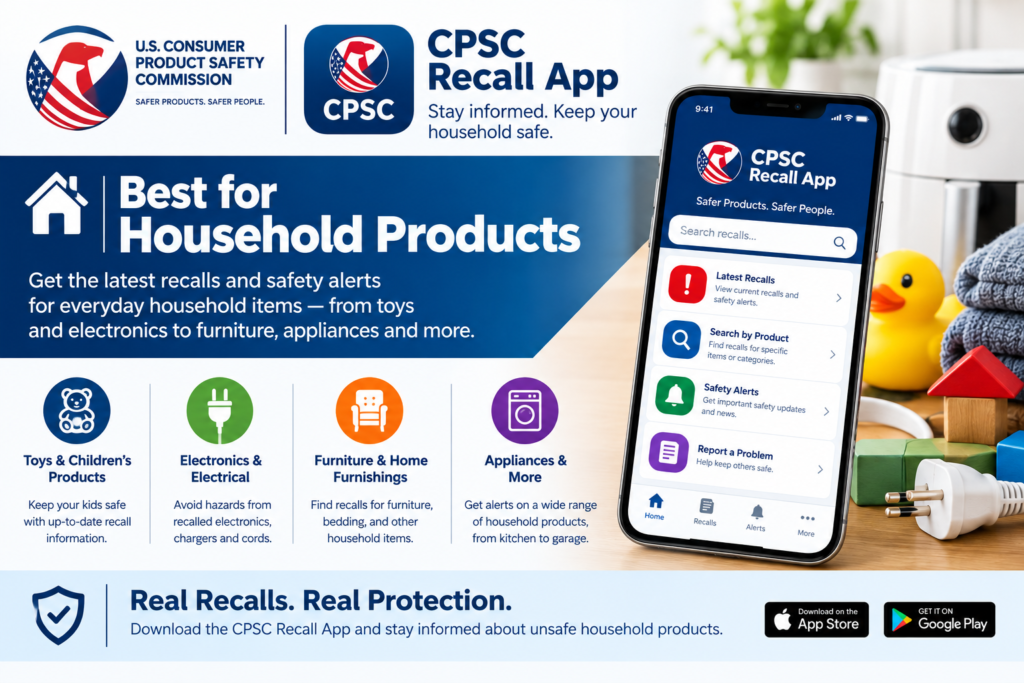
The CPSC says it built this app in-house on its Recalls Data API and released it as a beta in 2019. You search by product name, company or type to see if something was recalled. If you find an unsafe product, you can report it at SaferProducts.gov.
Pros:
- Official source, not a third-party aggregator.
- Good for checking a toy, appliance or piece of furniture before you buy or resell it.
Cons:
- It is a search tool, not a personalized alert system.
- I could not confirm its current status beyond the 2019 beta launch.
- No barcode scanning or household inventory matching.
Verdict (3.5/5): Good as a free lookup tool. Pair it with the CPSC email alerts for ongoing notices.
3. Recalls.gov and FoodSafety.gov: Best Free Alerts
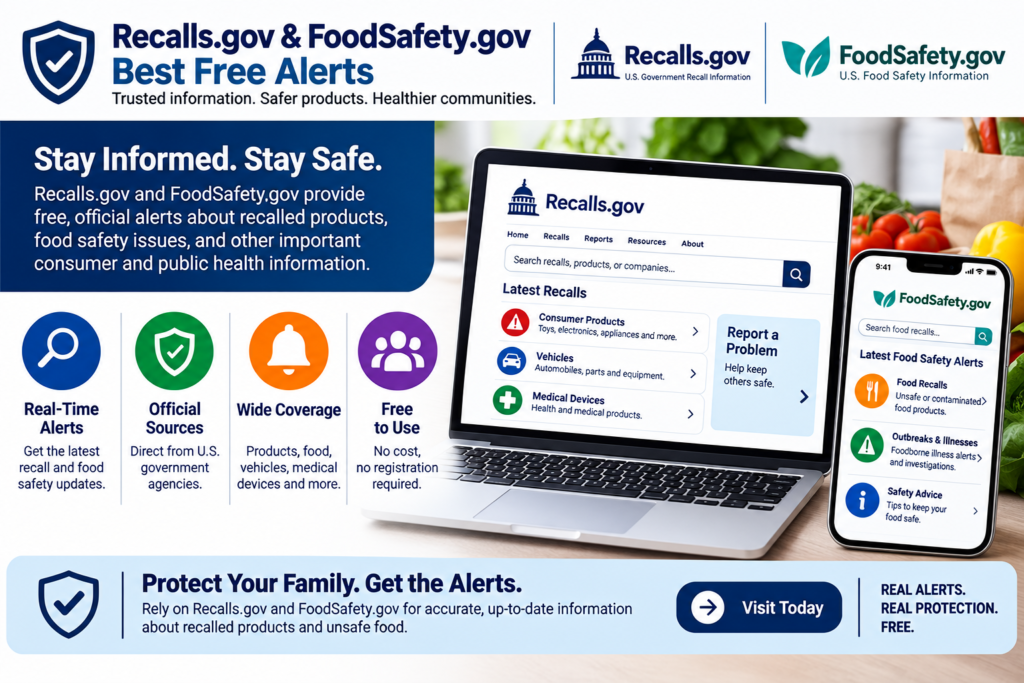
Cost: Free. No paid plan. These are websites and email services, not dedicated apps.
Recalls.gov lets you sign up for direct email notifications from the CPSC, FDA, USDA and NHTSA. It groups recalls by consumer products, vehicles, food, medicine and more. FoodSafety.gov pulls together USDA and FDA food recalls and alerts, with email alerts and a widget. The FDA’s own subscription lets you choose daily or weekly emails, and USDA’s FSIS offers free alerts too. USDA’s free FoodKeeper app also shows recent food recalls.
Pros:
- Official and free, with no app or account needed beyond your email.
- Covers food, cars, toys and medicine from one starting point.
- FoodSafety.gov also covers outbreaks and allergy alerts.
Cons:
- No push notifications, barcode scanning or “my products” matching.
- A reviewer described FoodKeeper’s notifications as weak, so it works better for browsing than alerts.
- Some pages I found were archived copies, so confirm current sign-up options on the live sites.
Verdict (4/5): The simplest low-risk setup, and the best starting point for everyone. For instant mobile alerts, add one of the apps below.
4. Recalls 365: Best All-in-One Feed (iOS)
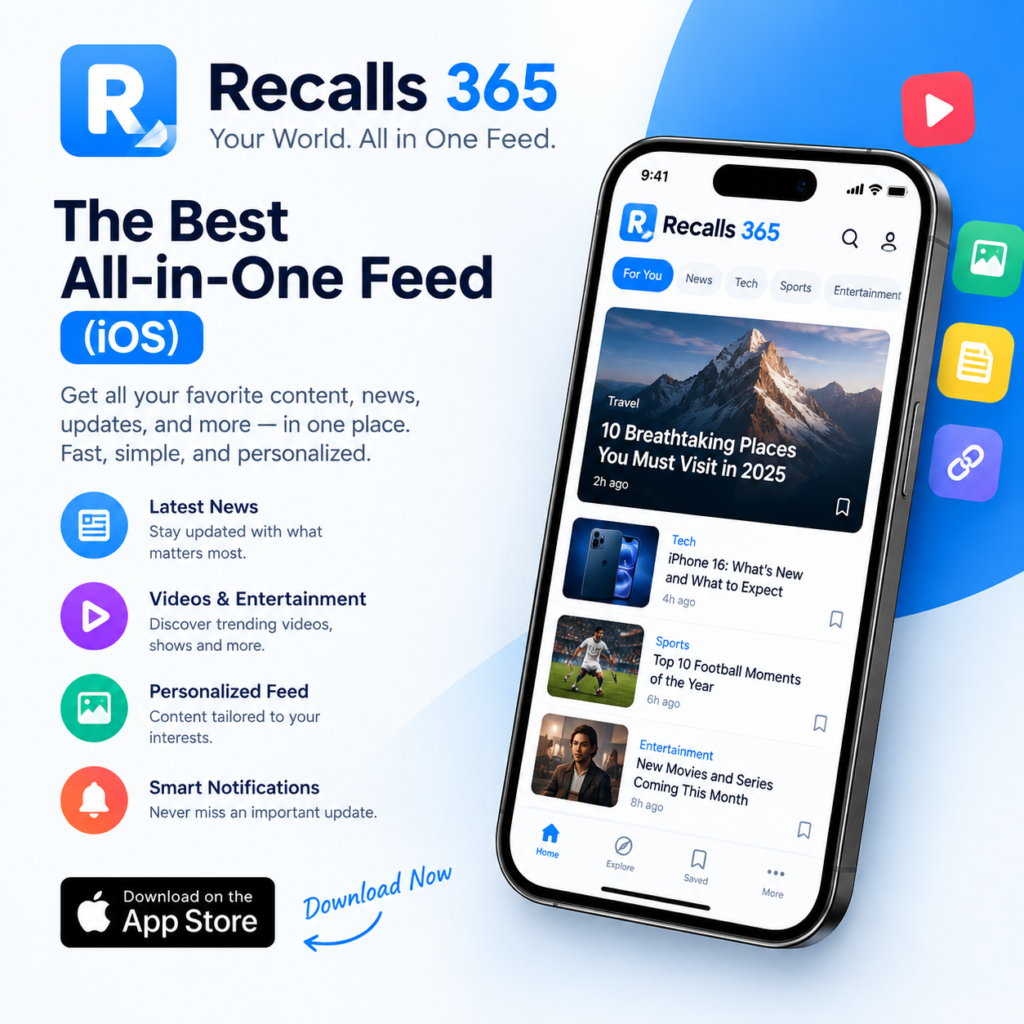
Cost: Free to start. App Store Pro plans are listed at $2.99/month, $19.99/year and $49.99 lifetime in the US; the Canadian listing showed higher prices. Prices vary by country.
According to its App Store listing, Recalls 365 pulls FDA, USDA, NHTSA and CPSC notices into one feed covering food, allergens, drugs, vehicles, consumer products and pet food. You can filter by state, vehicle, category and allergen, and each alert includes a summary and next steps. The developer says critical safety data stays free.
Pros:
- Five recall types in one app.
- Practical filtering by category, location and vehicle.
- Clear alerts with images and action steps.
Cons:
- Not a government app. Its disclaimer says it is not affiliated with the FDA, USDA, NHTSA or CPSC.
- iOS-focused.
- The listing says health data, name and email may be linked to you. Apple notes that this is developer-reported and unverified.
Verdict (4/5): A strong all-in-one option for iPhone users. Verify serious recalls on the official agency page.
5. RecallSentry: Best Home Inventory Idea
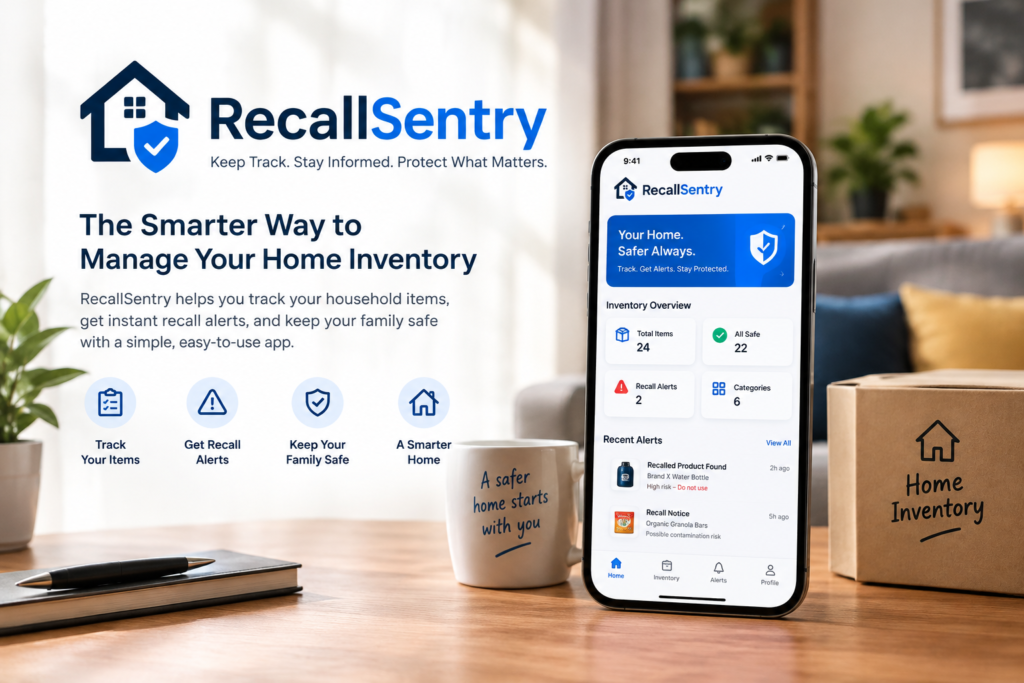
Cost: Free plan. SmartFilter is $1.99/month or $19.99/year. RecallMatch is $4.99/month or $49.99/year.
The listing says the free plan covers FDA, USDA, CPSC and NHTSA with push alerts, 5 saved recalls, 30 days of history and one state filter. RecallMatch adds a household inventory of up to 75 items, barcode and VIN scanning, automatic recall matching, 50 saved recalls and a Recall Center to track fixes. Advanced filters and inventory matching sit behind the paid tiers.
Pros:
- Personalized matching against items you actually own.
- Barcode and VIN scanning save manual typing.
- Free plan covers all four agencies.
Cons:
- Brand new, with only one rating on the App Store. That rating is 1 star, saying features sit behind a paywall and not all listed categories load.
- The 75-item inventory limit may be too small for a large household.
- Its claim to be the only app tracking all four agencies is not accurate, since several others do the same.
Verdict (3.5/5): The best feature idea in the group, but it needs a longer track record. If you pay for RecallMatch, test it on a few items first.
6. Recall Tracker: Safety Alerts: Best for Multiple Countries
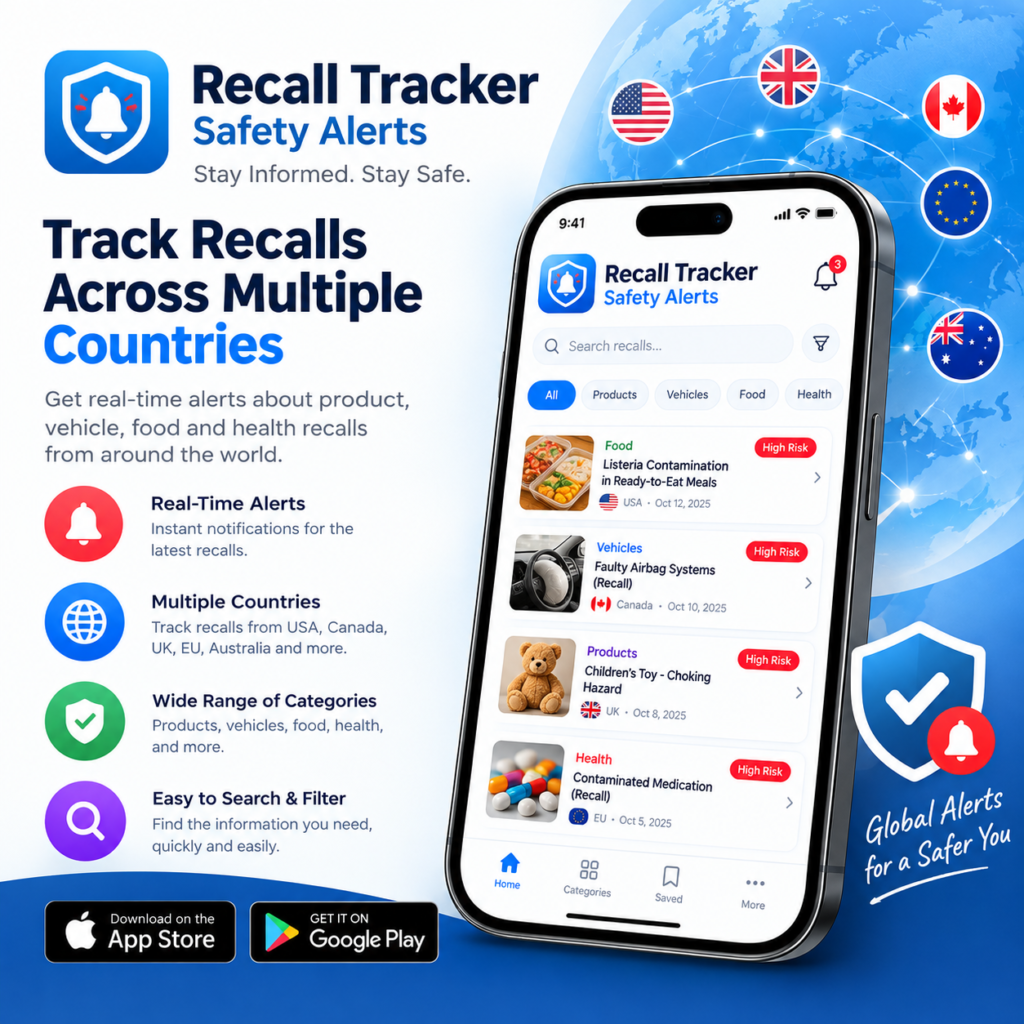
Cost: Free with ads. Premium is $2.99/month, with optional yearly and lifetime purchases listed. Premium adds custom alert rules, instant alerts and ad-free browsing.
According to its Google Play listing, the app covers the US, Canada, the UK, the EU, France and Australia. It offers barcode lookup, VIN checks, watchlists and notifications filtered by agency, country and category. The developer says it aggregates 113,000+ recall records. An iOS version appears to be listed under the name Product Alert – Recall Tracker.
Pros:
- The widest country coverage I found, which suits UK readers.
- Useful free tier with search, VIN check, barcode lookup and plain-language risk summaries.
Cons:
- Only 1,000+ downloads and 5 reviews, so its 4.4 rating means little.
- Contains ads, and its data safety section says it may collect personal and financial info.
- Not an official app.
Verdict (3.5/5): A good free pick for international tracking, but still unproven.
7. RecallDefense: Best for Receipt-Based Tracking
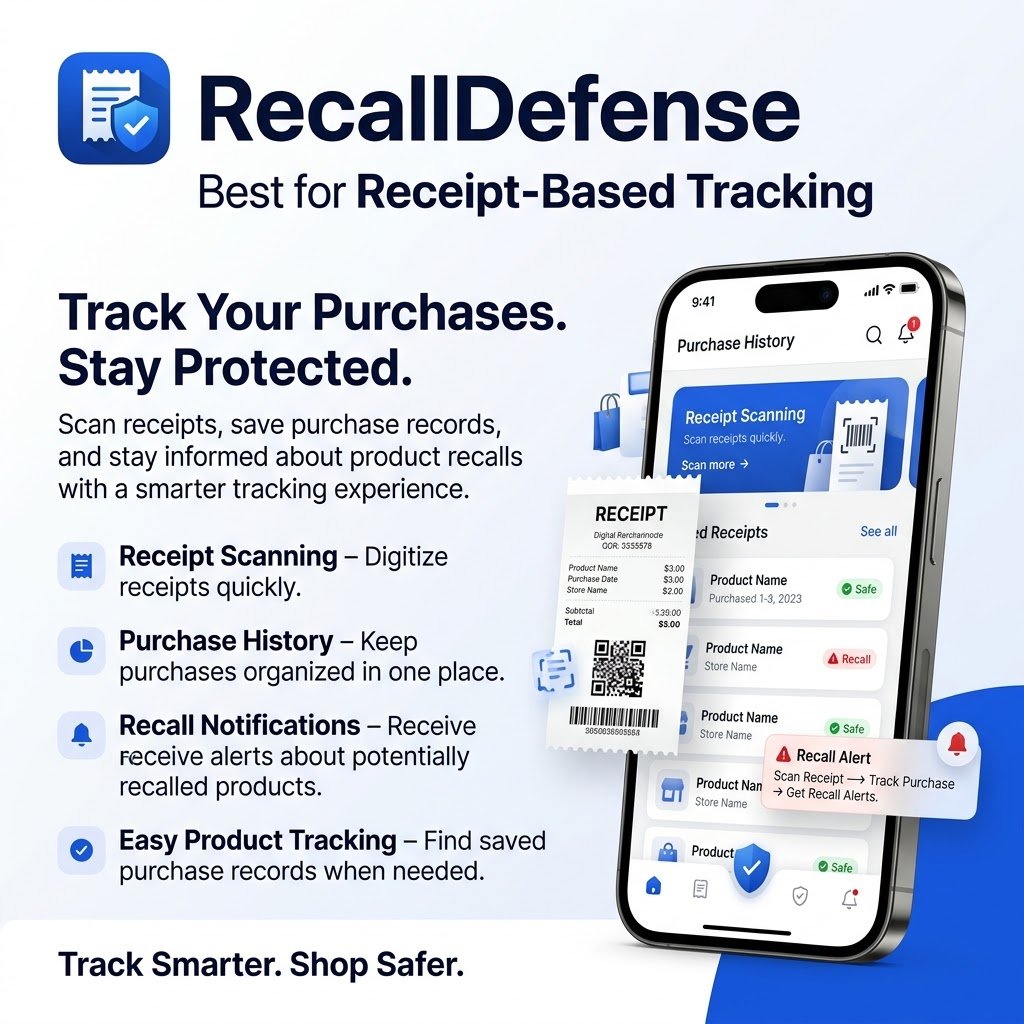
Cost: Free for up to 5 products. Paid tiers are $3.99/month (Big Spender) and $5.99/month (Shopaholic). The iOS listing also shows annual plans of $39.99 and $59.99.
The Google Play listing says you can add products by barcode, photo or forwarded receipts, then get push, SMS or in-app alerts. It claims coverage of FDA, USDA, CPSC and NHTSA, plus EPA alerts, California Prop 65 warnings and Coast Guard boat recalls. The higher tier adds AI photo identification and AI risk prediction.
Pros:
- Receipt import can fill an inventory quickly.
- A wishlist check helps before you buy.
- Broader sources than most competitors.
Cons:
- Very new. The Play Store shows 1+ downloads, and the iOS rating is reportedly 5.0 from 52 ratings, too few to prove much.
- Its data safety section says it may collect location and personal info and may share app info and device IDs with third parties.
- The difference between the paid tiers is not clearly explained.
Verdict (3.5/5): Ambitious and feature-rich. Wait for more real user reviews before paying.
8. RecallScope: Best for Parents
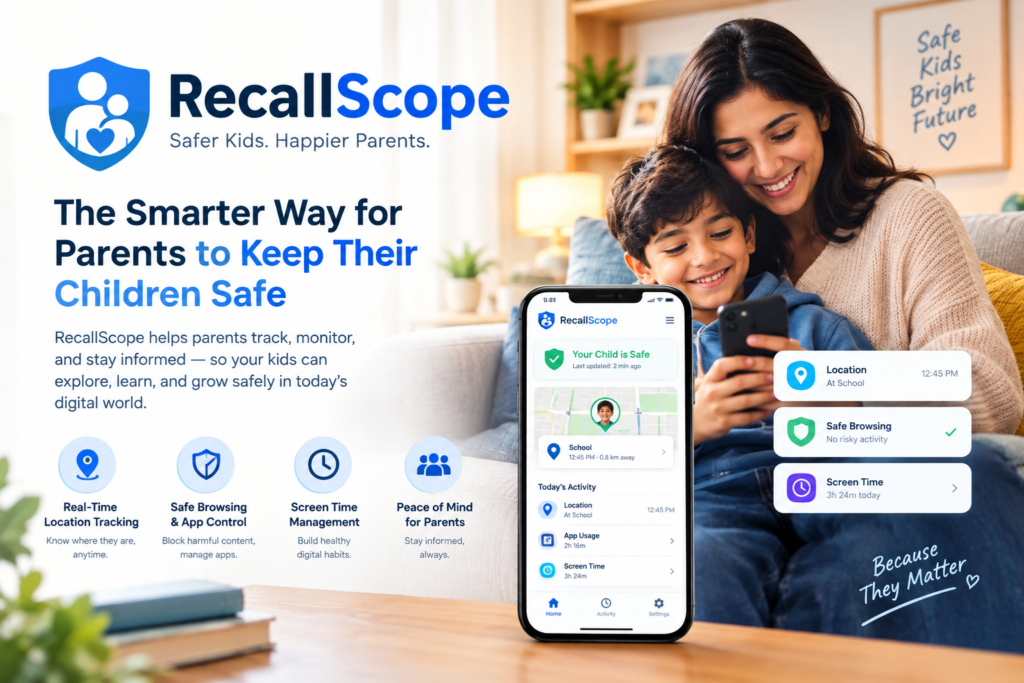
Cost: Free to start. Pro is $3.49/month or $34.99/year, with a 7-day free trial. Pro adds an unlimited watchlist, all supported markets and the barcode scanner.
RecallScope focuses on baby food, toys, car seats, strollers, children’s clothing, medicines and household items. Its pricing page says it covers the US, Canada, the UK, Australia and Europe, and links each alert to the official agency notice.
Pros:
- Family-focused categories.
- Free plan includes browsing, search and a limited watchlist.
- Original-source links make verification easy.
Cons:
- The barcode scanner is Pro-only.
- Not an official app, and it launched in 2026, so its track record is short.
- The privacy label says precise location may be linked to you and purchases may be used for tracking. Two visible reviews also use identical wording, so treat the 4.2 rating from 16 ratings with caution.
Verdict (4/5): Strong for families. The yearly plan is good value if you use the watchlist.
9. Food Recalls & Alerts: Best for Food and Pet Food
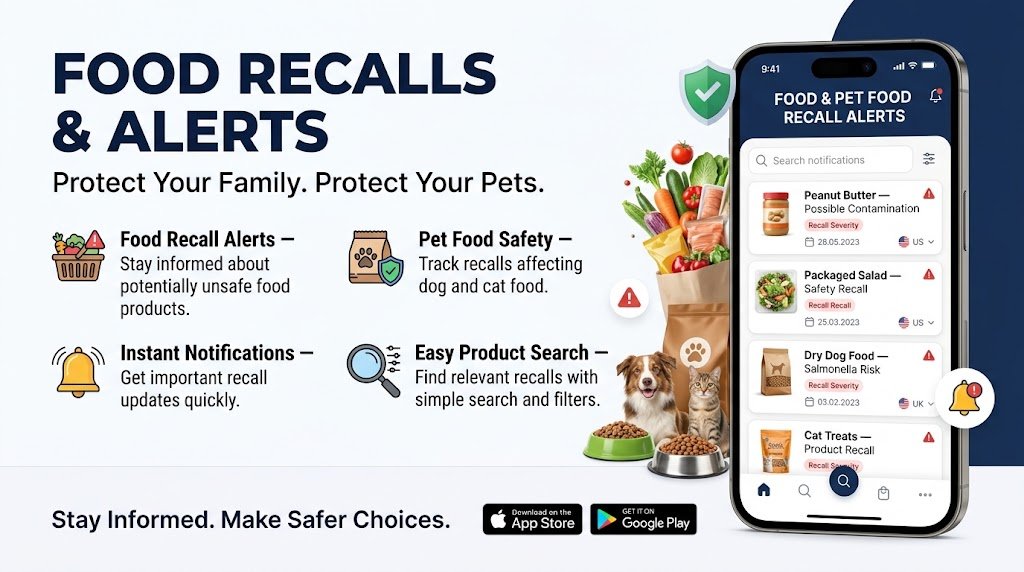
Cost: Free with ads on Android. Premium is sold by subscription, with iOS listed at about $4.99/month. Earlier listings showed other prices, so check the current one.
This is the biggest private app in the group: 50,000+ downloads and 2.34K reviews at a 4.3 rating on Google Play. It covers FDA and USDA food recalls, outbreaks and pet food, with filters for high-risk pathogens like Salmonella, E. coli and Listeria. It shows affected products, lot numbers, health risks and where products were sold.
Pros:
- Strong food and pet food focus with useful filtering.
- Large user base and detailed recall pages.
Cons:
- Contains ads on Android.
- A recent reviewer said an update moved details behind a subscription. The developer replied that lack of funding forced the change.
- The data safety section says data can’t be deleted and may be shared (location, app activity).
- Food only, so no vehicles, toys or electronics.
Verdict (4/5): The most established private food app, with a clear monetization trade-off.
10. US Food Recalls & FDA Alerts: Skip for Now
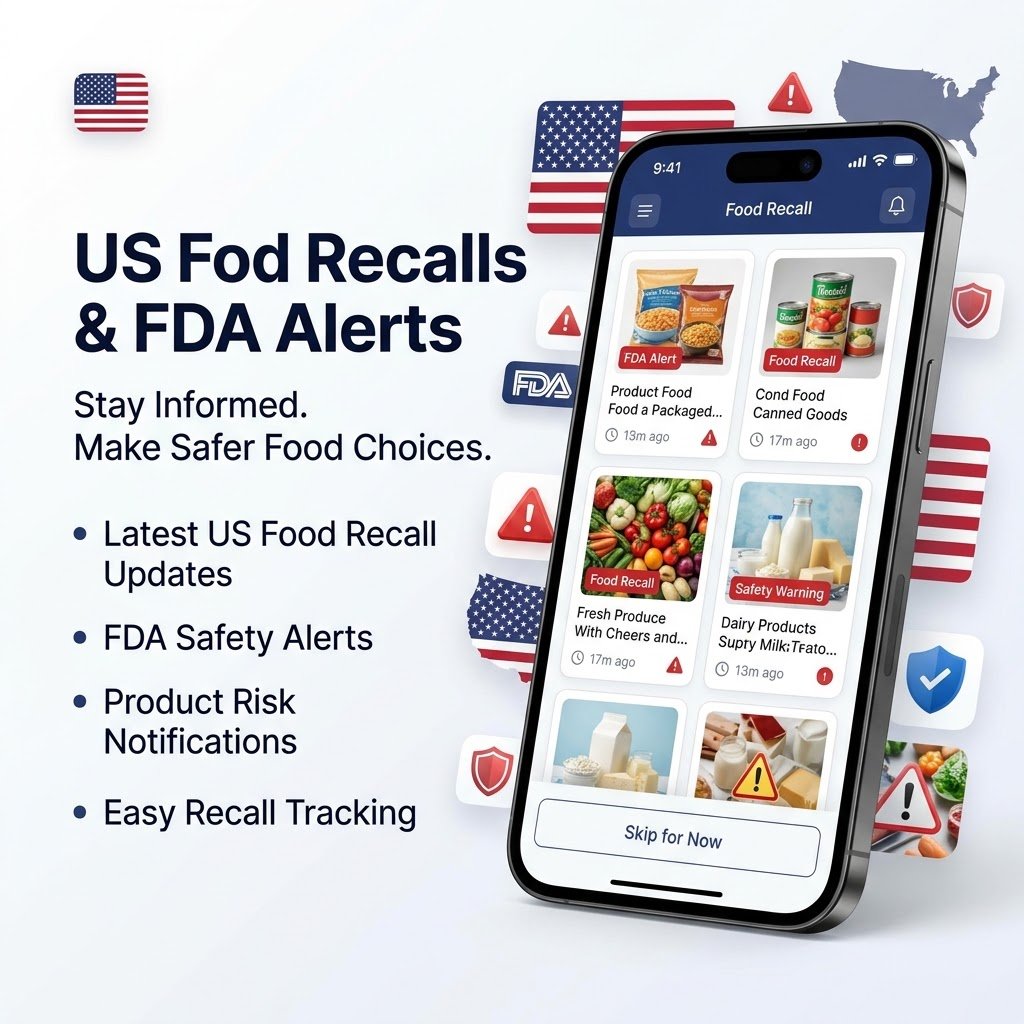
Cost: Free to download. Premium is $4.99/month or $19.99/year, and personalized alerts require it.
The App Store listing describes an FDA-focused feed with search and bookmarks. It needs iOS 18 and does not yet have enough ratings to show.
Verdict (2.5/5): Free official FDA email alerts do the same job without a subscription. Skip it.
A note on oAlert: it tracks Polish agencies (GIS, GIF, UOKiK), so it won’t help US or UK readers.
The Hidden Background: Why Recalls Keep Missing People
Recalls have always had a delivery problem. According to the CPSC, product-related deaths, injuries and property damage cost the nation more than $1 trillion a year. Federal law bars selling recalled products, but only if sellers and buyers hear about the recall.
NHTSA’s numbers show the scale: 31 million vehicles, car seats, tires and equipment were recalled in 2025, 35 million in 2024 and 40 million in 2023. NHTSA also says millions of recalls go unrepaired each year. Many of these failures end up in our Accidents & Disasters coverage.
Why It’s Untold
Recall apps get treated as shopping tips, not as a story about who controls safety information. Three reasons:
- “Best app” lists are often marketing. The top guide I found came from USA Recalls, a site tied to its own recall app. I could only read its metadata, so I can’t judge its claims, but the conflict of interest is easy to see.
- Safety failures only make news when someone is hurt. Routine misses don’t.
- Few outlets audit the apps. The store listings make bold claims (“only app,” “most comprehensive”) that competing listings contradict.
Analysis: The Gap Nobody Covers
My method is to read every source first, then focus on what none of them covers. Here, the gap is accountability.
- The official apps are split by agency, which created the market for private aggregators.
- Most private apps are brand new. Several have a handful of ratings or downloads.
- Free tiers are getting thinner. RecallSentry and Food Recalls & Alerts have both drawn paywall complaints.
- Privacy disclosures are self-reported. Apple and Google both say the developer supplies them, and they are not independently verified. For more on how apps and platforms handle your data, see our Cyber & Tech Failures section.
You hand these apps your VIN, allergies and family details, and the safest option, the official one, is the least marketed.
What Could Happen Next
These are predictions, not facts:
- Consolidation. With so many look-alikes, most will disappear or be bought, leaving users without alerts.
- More paywalls. Developers are already struggling to fund free tiers.
- Privacy scrutiny. Apps that collect health, allergy and location data are a likely target for regulators and reporters.
Which App Should You Choose?
| If you need | Best choice |
|---|---|
| Free, official, no risk | Recalls.gov and FoodSafety.gov email alerts |
| Vehicles, tires and car seats | SaferCar |
| Quick household product lookup | CPSC Recall App |
| One iPhone app for everything | Recalls 365 |
| Alerts matched to items you own | RecallSentry or RecallDefense |
| Multiple countries (UK, EU, Canada, Australia) | Recall Tracker or RecallScope |
| Food, outbreaks and pet food | Food Recalls & Alerts |
| Parents and baby products | RecallScope |
What to do now:
- Install SaferCar if you drive.
- Subscribe to the Recalls.gov email alerts.
- If you want one app, pick one with a clear privacy label and real reviews, and deny extra permissions.
- Verify every alert on the official agency site before acting.
FAQ
What are some good apps for tracking food recalls and alerts?
Start with the free official options: Recalls.gov email alerts and FoodSafety.gov. For a food-focused app, Food Recalls & Alerts has the largest user base we found, with 50,000+ Android downloads. Recalls 365 (iOS) also covers allergens and pet food. Always confirm an alert on the FDA or USDA site.
What are some good safety alert apps?
For vehicles, NHTSA’s free SaferCar app is the most trustworthy. For household products, use the CPSC recall app and email alerts. If you want one app for everything, Recalls 365 and RecallSentry combine several agencies, but both are private apps with paid tiers.
What is the best app to check for toxic products?
Recall apps only flag products that regulators have recalled. They don’t score everyday ingredients or chemicals. Ingredient-scanner apps are a separate category, and we haven’t reviewed them here. For recalls, use the FDA, CPSC and NHTSA tools above. Treat any app’s “toxic” rating as an opinion, not a safety ruling.

2 Comments